Features
Everything you need for Markdown and nothing you don't.
Built for writers, developers, Vibe Coders, and solopreneurs who want a calm, native editing experience with GitHub built right in.
✎
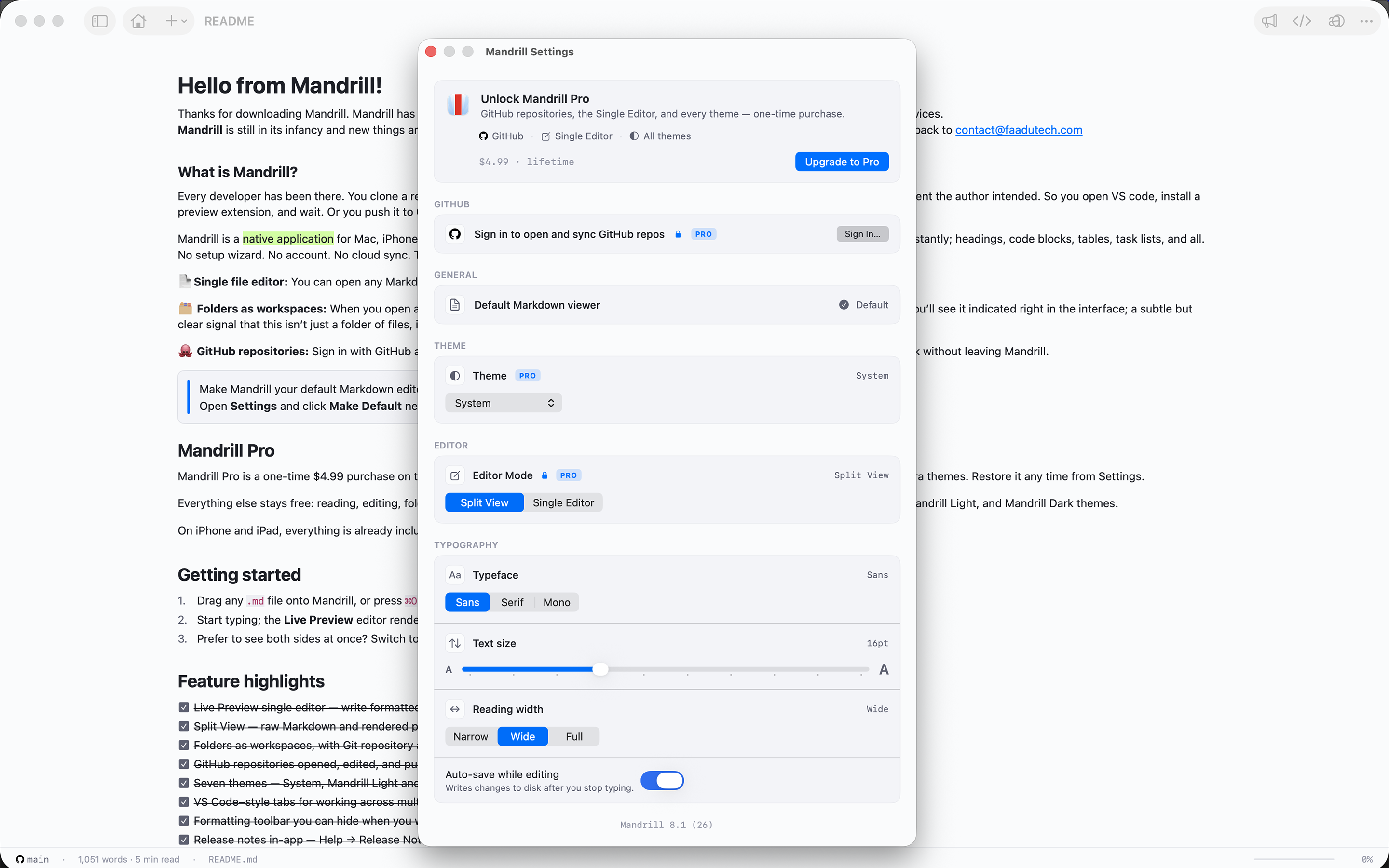
Single EditorPRO · $4.99
Write and read in the same view — no more switching between panes. The biggest change in this release.
◐
Themes4 NEW · PRO
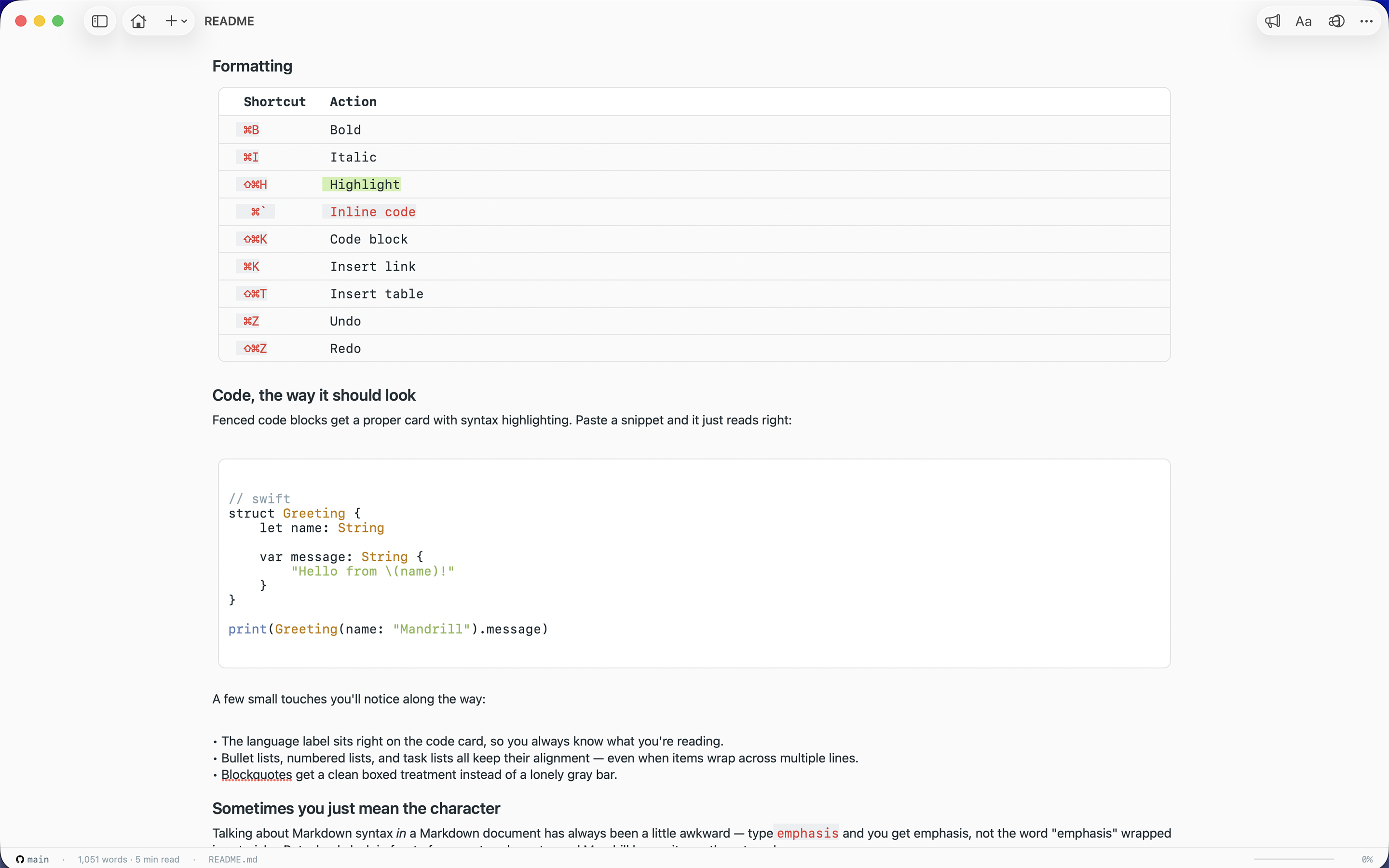
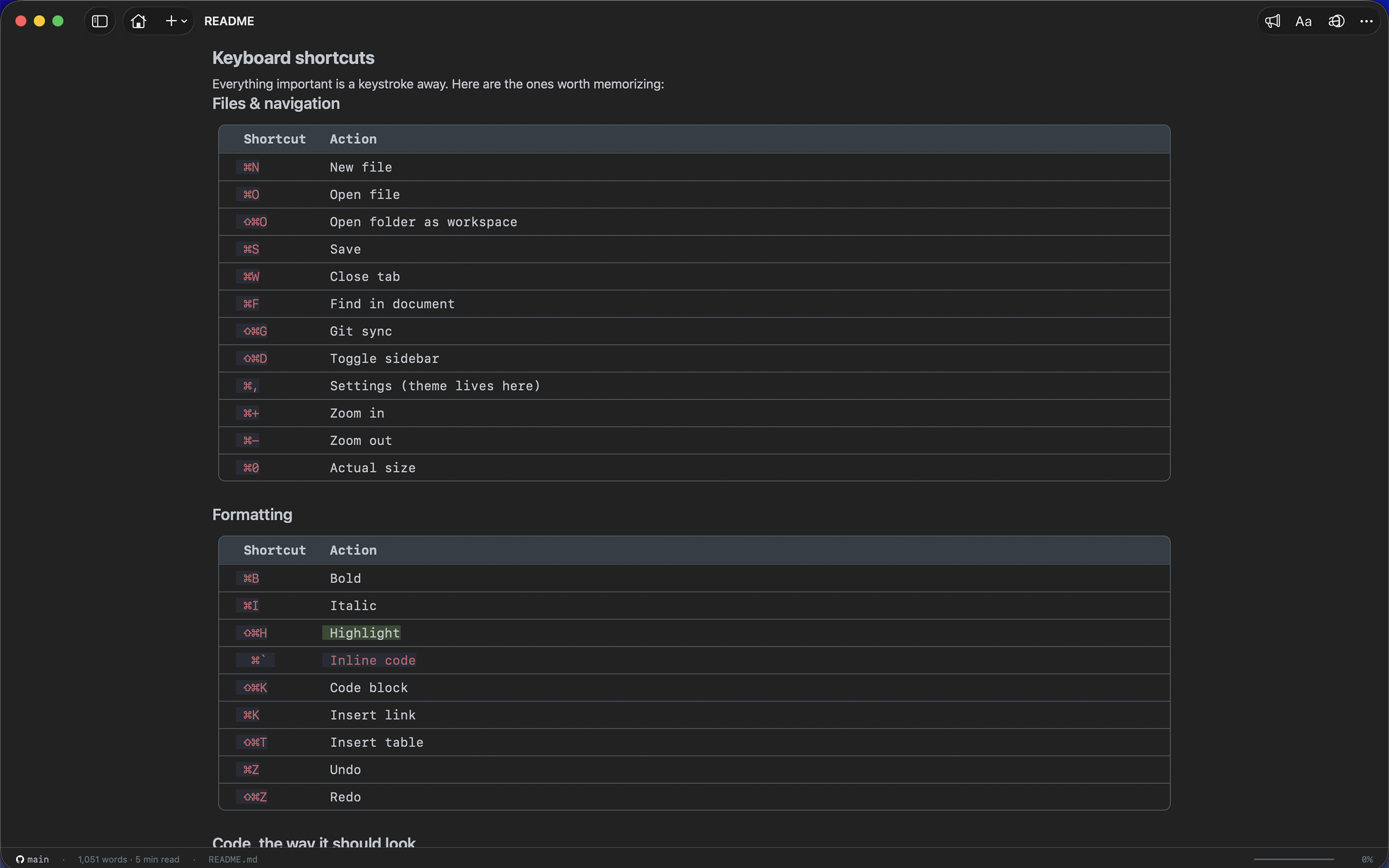
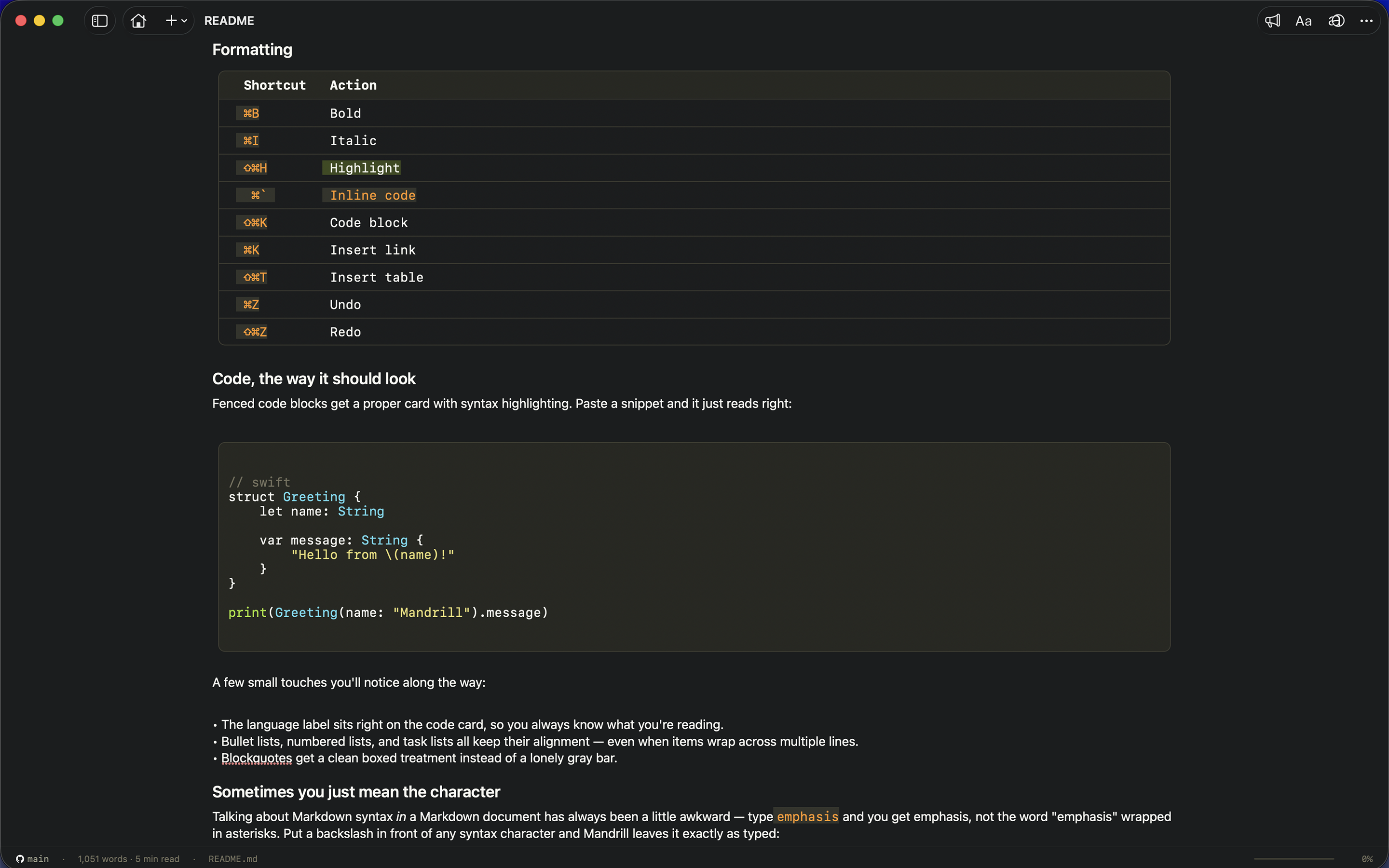
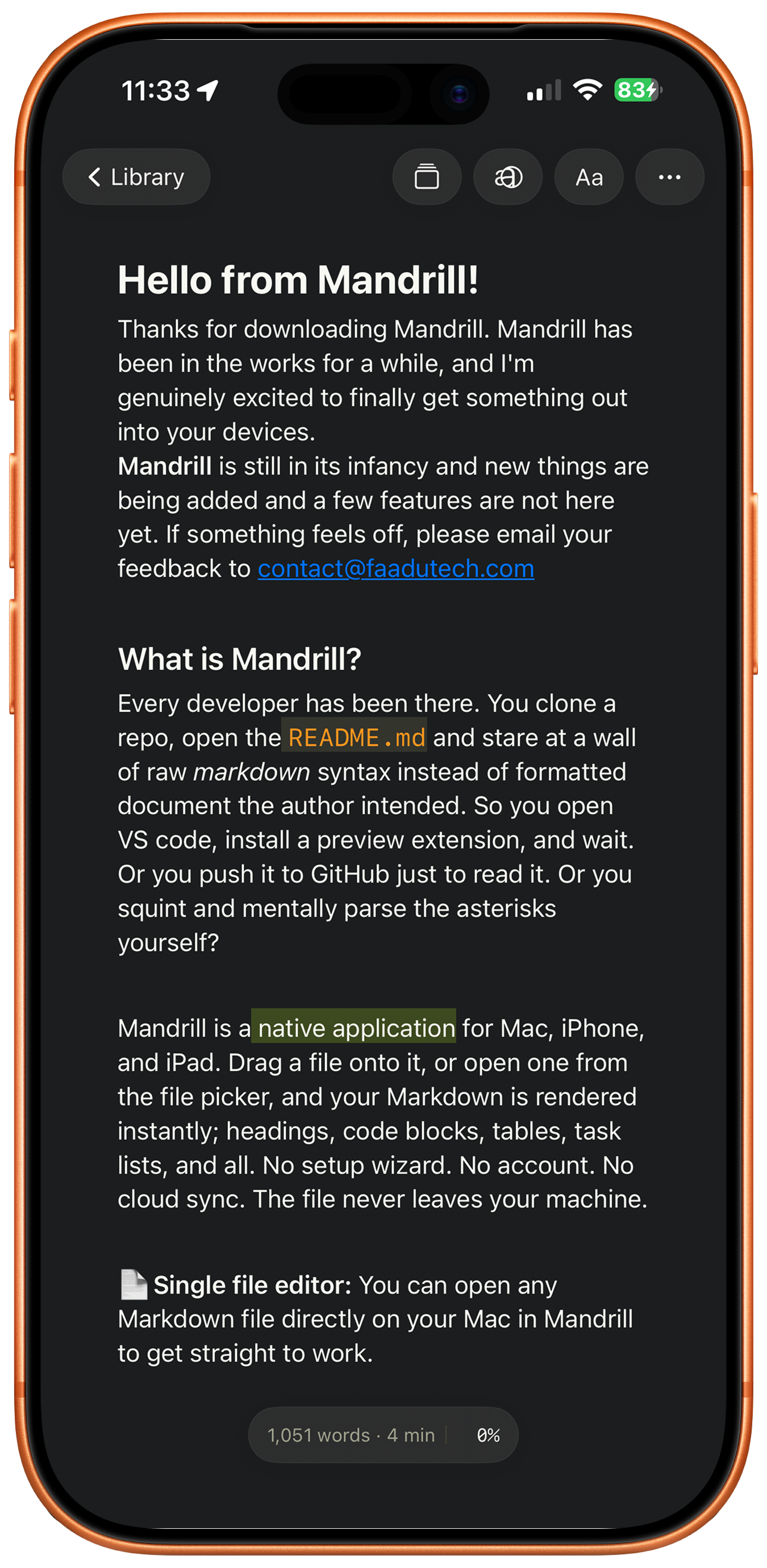
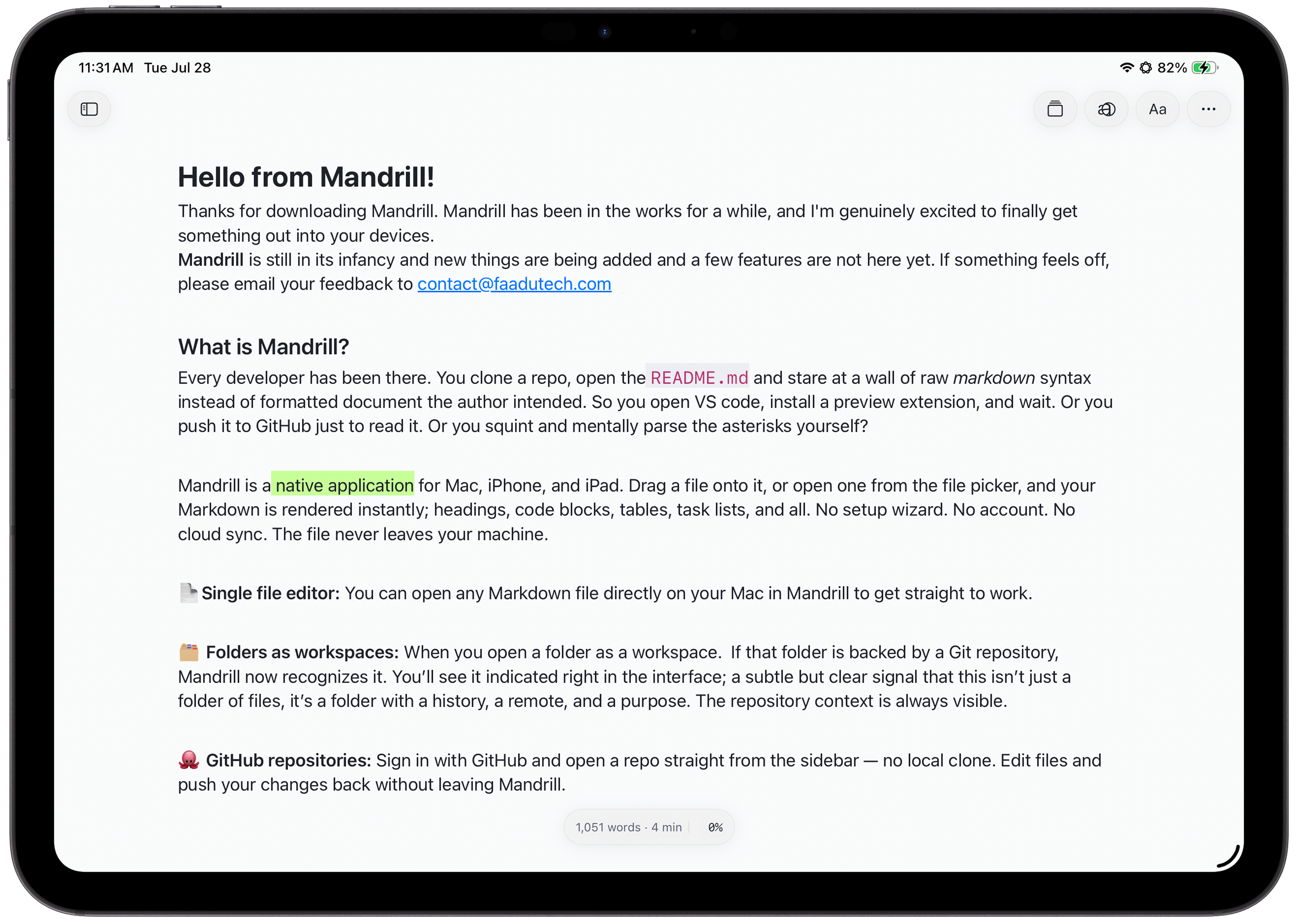
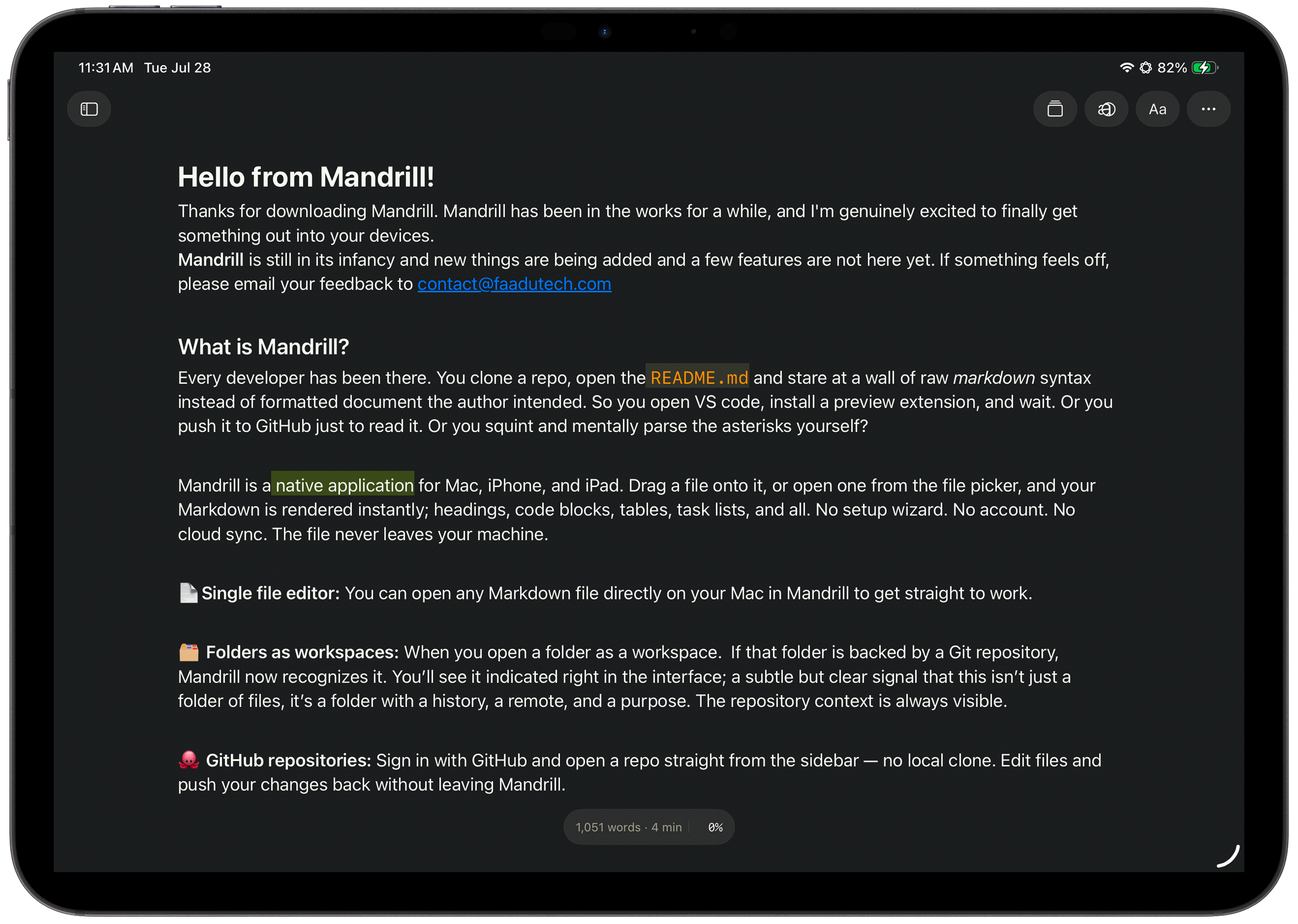
System, Mandrill Light, and Mandrill Dark are free. Material Light, Material Dark, Spacegrey, and Molokai are part of Mandrill Pro.
⑂
GitHub integrationPRO · $4.99
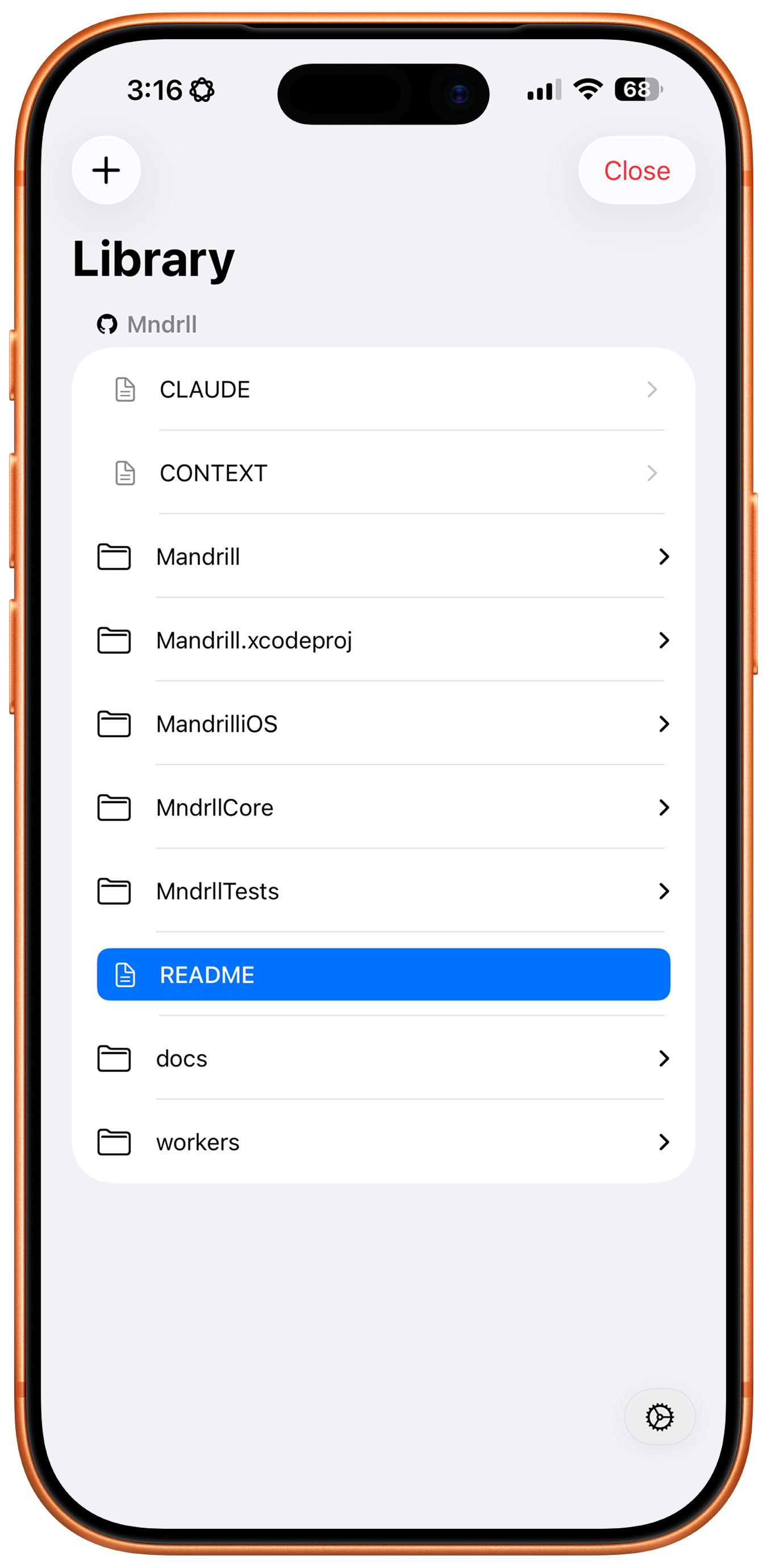
Sign in with GitHub and open a repo straight from the sidebar. Track modified files and push changes back — without touching Terminal.
📁
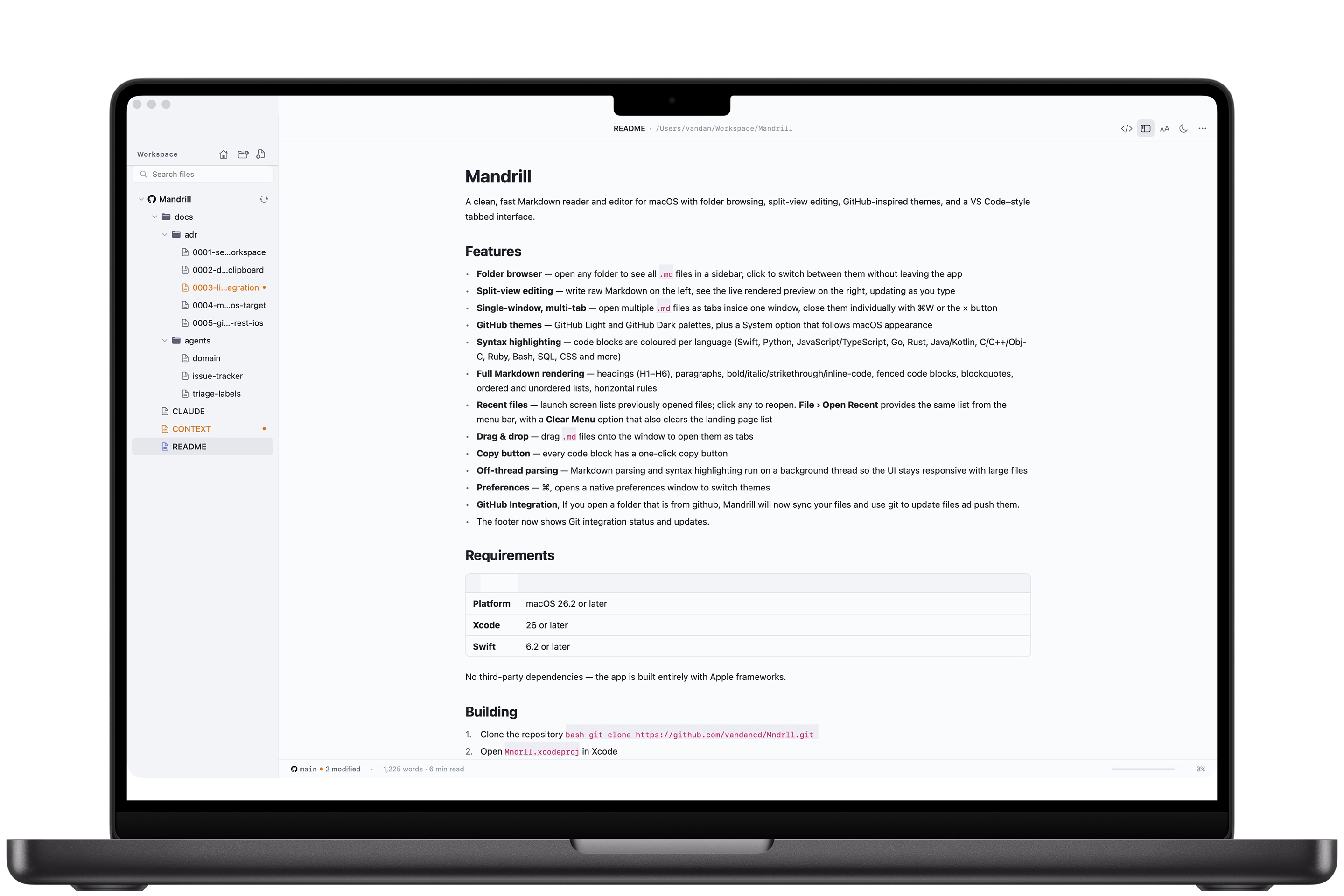
Folder browser
Open any folder and see all your .md files in a sidebar. Click to switch — no Finder detours needed.
⬜
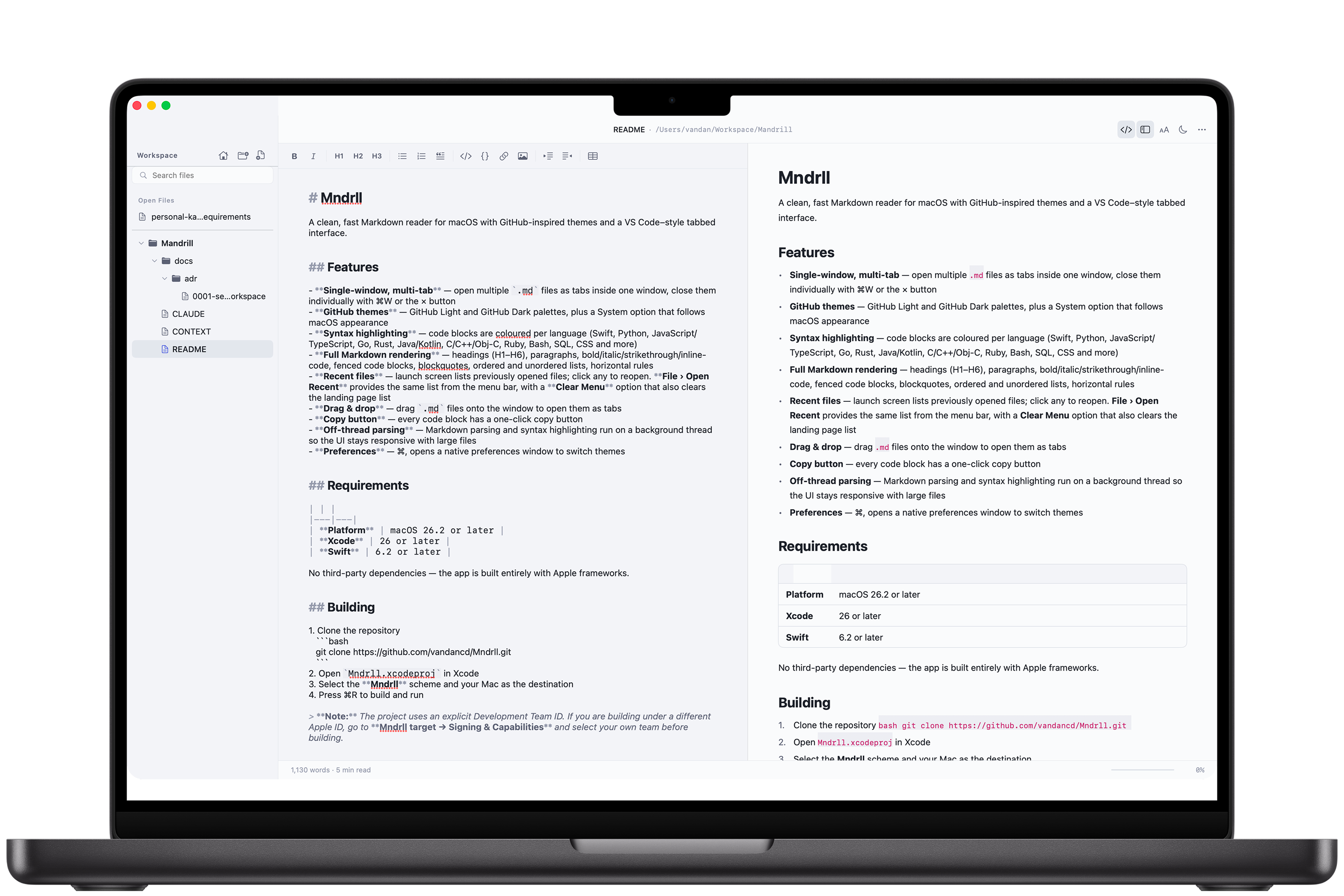
Split-view editing
Write Markdown on the left, see a live rendered preview on the right — updating as you type.
⌘
Single-window, multi-tab
Open many .md files as tabs in one tidy window. Close them with ⌘W or the × button.
⟨⟩
Syntax highlighting
Code blocks colored per language — Swift, Python, JS/TS, Go, Rust, Java/Kotlin, C/C++, Ruby, Bash, SQL, CSS and more.

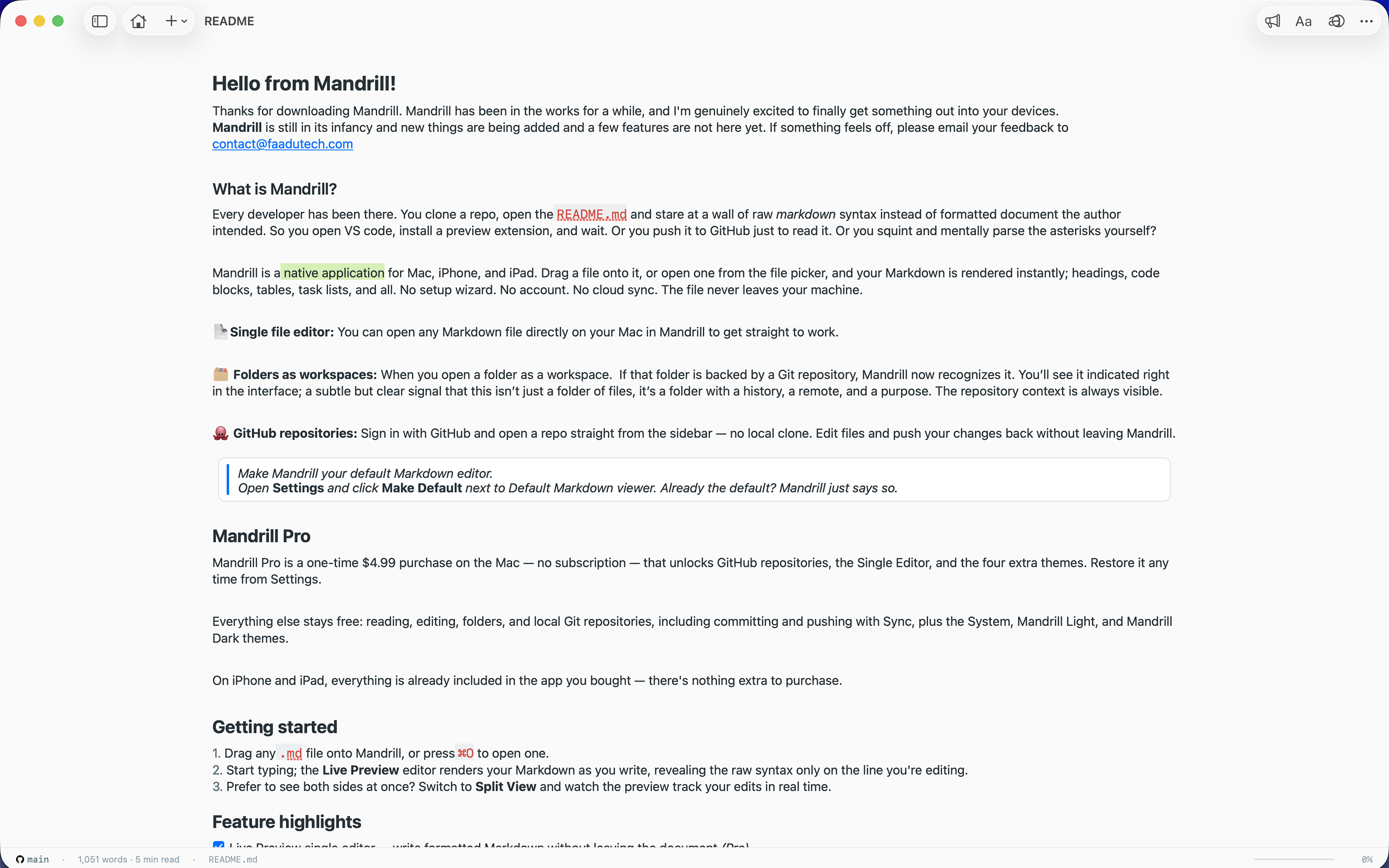
Full Markdown rendering
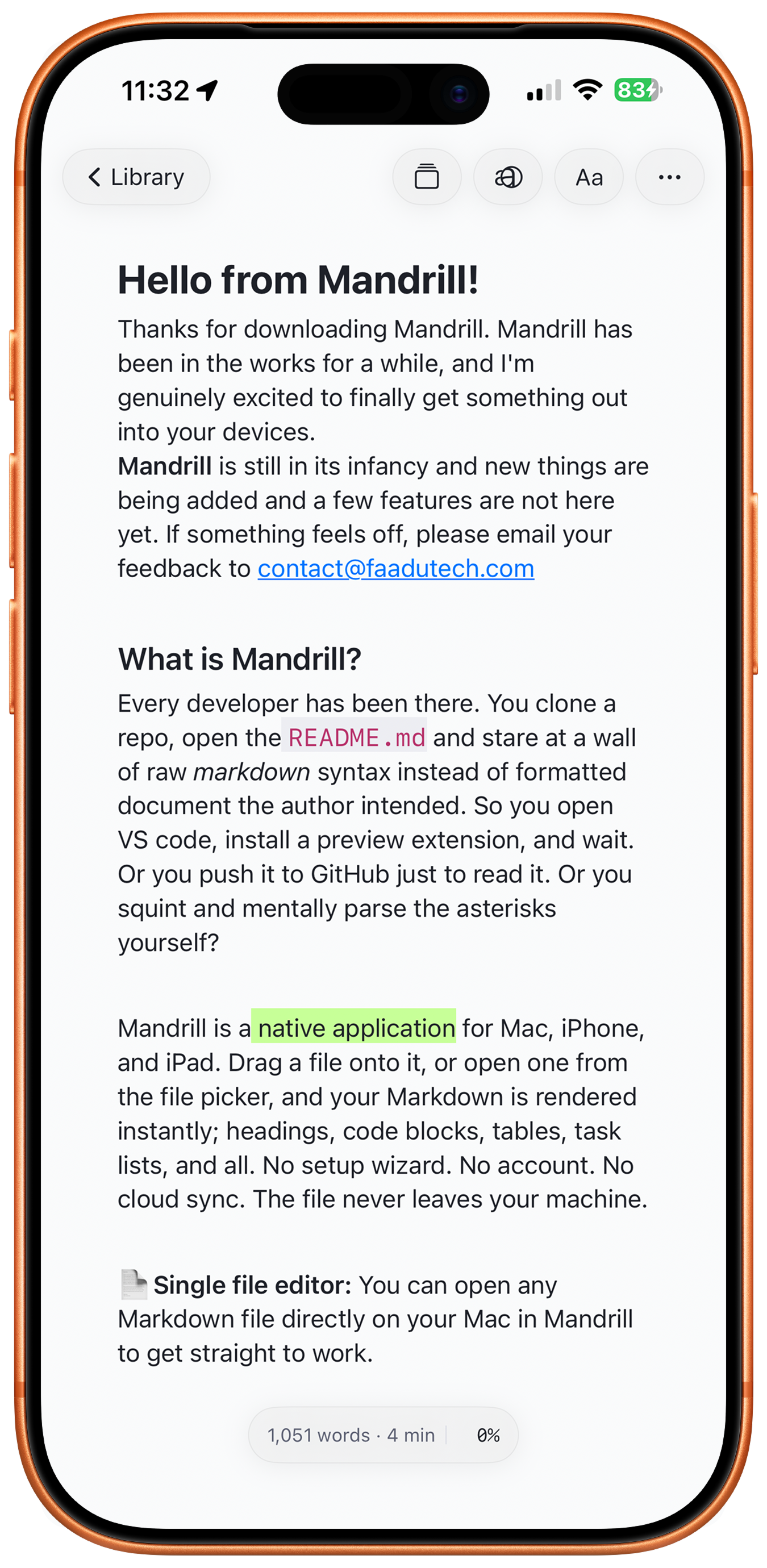
Headings (H1–H6), paragraphs, bold/italic/strikethrough, fenced code blocks, blockquotes, lists, and rules.
✎
Live Markdown editing
Switch to edit mode and visualize your Markdown in real time. A formatting bar puts common tags one click away.
⏱
Recent files
Pick up where you left off from the launch screen, or jump in via File ▸ Open Recent.
↧
Drag & drop
Drop .md files onto the window to open them as tabs instantly.
⎘
Copy buttons on code
Every code block ships with a one-click copy button so you can grab snippets without selection.
⊞
Tables, beautifully
Tables now render in both reader mode and the editor — with proper alignment and theming.
⚙
Native preferences
⌘, opens a real macOS preferences window to switch themes and tweak the experience.
⚡
Off-thread parsing
Markdown parsing and highlighting run on a background thread so the UI stays smooth on big files.
🔒
Private by design
No accounts, no telemetry, no network calls. Files never leave your Mac. Read the privacy policy.